Back to Kurio

Moodboard software for creatives and brands

Sign in
KurioPinda Join the waitlist

Inspiration from everywhere, on one board.

Moodboard software for creatives and brands. Bring references from Pinterest, Tumblr or anywhere else into one place, arrange them on a board, and share it by private link when it's ready.

Join the Pinda waitlistSee the product

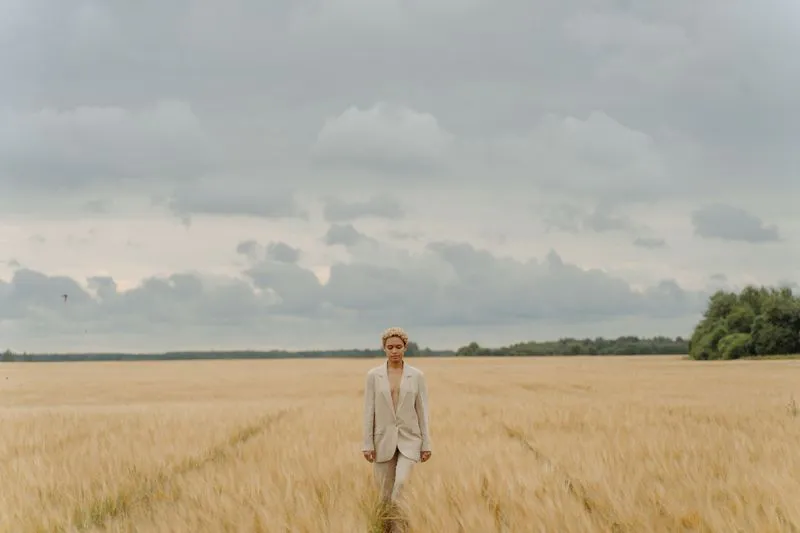
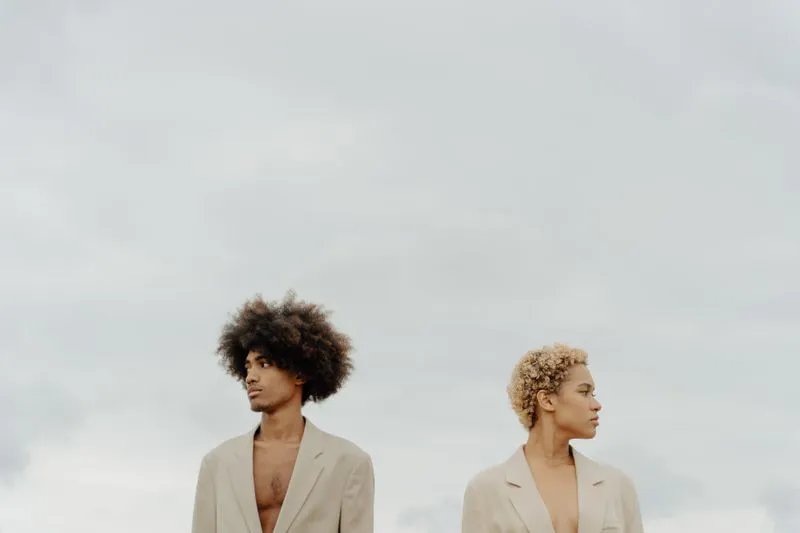
Wheat field7 photos

Double-tap any image to favorite it

Demo board, with photos from Pexels. Try it: double-tap or double-click a photo, or press Enter on it.

The board

What they open

Everything you gathered, in one place: the feeling of a project at a glance, on whatever phone they're holding.

Opens
Straight from a DM, on a phone or a computer.
Needs
No app, no account, no password.
Responses
A double-tap keeps a favorite. Any photo can get a reaction.
In a DM
The link shows its cover picture and title.
Join the waitlist

Maya
Wheat field · opened just now
active
1open
2 minviewing
0favorites

Maya's favorites

None yet. Double-tap a photo on the board.

Demo link card, like the one in Pinda's Links tab.

What you see

One link for each person, so you always know who has seen the direction and what they responded to.

Activity
Who opened it, on how many devices, for how long, and every favorite and reaction.
Hotspots
The photos that held their attention light up.
Comfort
Review marks photos above the level you set for a board, before you send it.
Runs on
Current browsers, on a phone or a computer.
Status
Waitlist open.

See how it works

For creators, brands and studios.

Creators

Keep what inspires you in one place instead of scattered across apps and screenshots, then share a board when a project starts.

Brands

Bring a campaign's references together on one board, and give everyone involved the same clear direction with their own link.

Studios and agencies

A private board for every project, one link per person, and a clear record of what each one picked.

How it works

  1. Collect

    Add what you found on Pinterest, Tumblr or anywhere else, from your phone or your computer. Each keeps its own shape and color, and the library spots the copies you saved twice.

  2. Arrange

    Place them freely on the board, or let Arrange group them by color, pose, composition or scenery, with an exact gap between every picture.

  3. Send

    Make one link for each person. They open it in their own browser, even inside Instagram, and double-tap favorites; you see who opened it, when, and what they picked.

Private by default.

One link, one board

A link shows its board and nothing else, and search engines never list it.

Nothing personal

Your name, your files and the rest of your library stay out of every link.

No passwords

You sign in to Pinda with a passkey. The people you send a link to never sign in at all.

Hear first when Pinda opens.

One email when it opens. Nothing else, and never shared.